
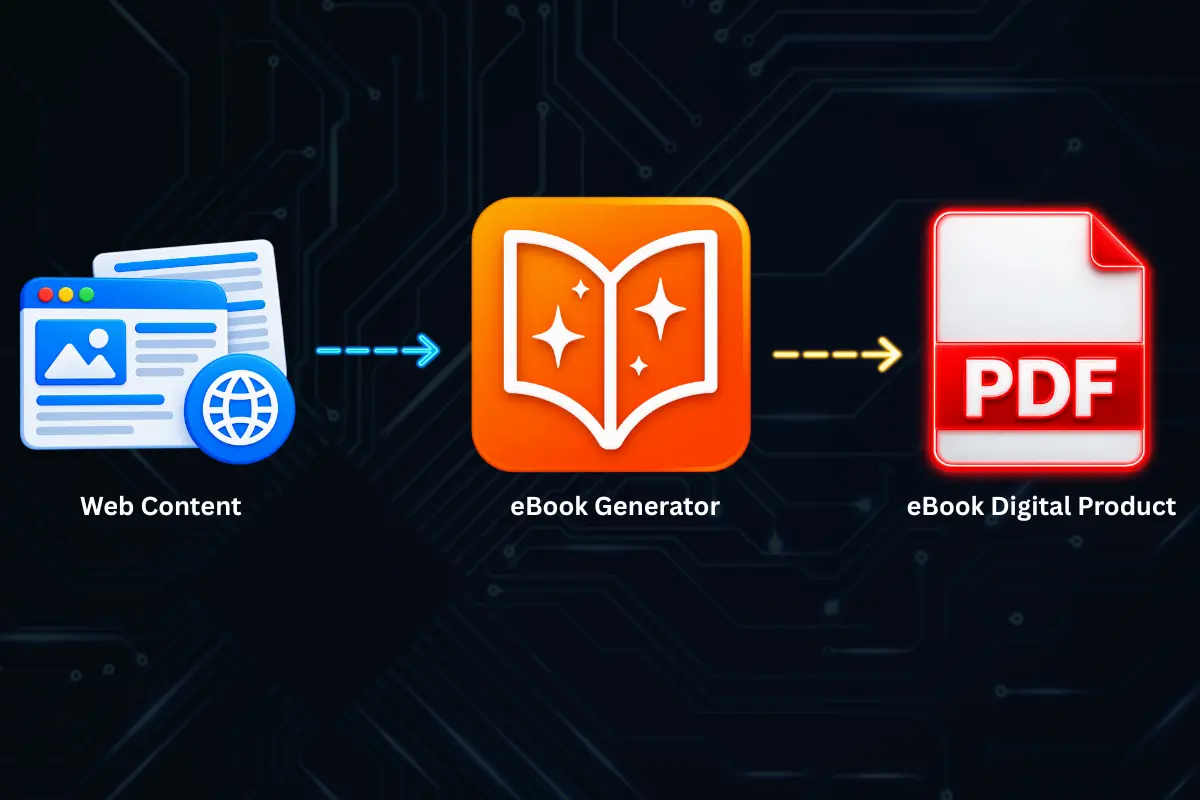
If you’ve ever published a blog post, written a detailed guide, or produced a series of tutorials, you’ve already built a valuable digital asset. The next logical step is to repackage that content into a product you can sell. Learning how to turn web content into an ebook you can sell opens up new revenue streams without forcing you to start from a blank page.
The problem is that most creators don’t know where to begin. They assume repurposing content means copying and pasting every post into a Word document and adding a cover. The result is usually a messy, unprofessional file that doesn’t justify a price tag. Fortunately, there’s a smarter workflow—one that transforms the articles you’ve already written into a polished, sellable digital product.
Let’s walk through the entire process, from selecting the right content to packaging a professional PDF ebook that readers will gladly pay for.
Why Sell an Ebook Made From Web Content?
Selling an ebook is one of the most accessible ways to monetize expertise. Unlike physical products, there are no inventory costs, no shipping fees, and no minimum order quantities. Once you create a PDF ebook, you can sell it an unlimited number of times.
Using content you’ve already published makes the process faster and smarter. You’re not inventing fresh material; you’re curating, refining, and expanding what already works. Your website analytics can show you which posts have resonated with your audience. Those high-performing articles become the foundation of your new product.
Another advantage is positioning. A well-structured ebook positions you as an authority. A single comprehensive PDF that covers a topic in depth is often perceived as more valuable than a dozen scattered blog posts. Customers will happily pay for convenience, structure, and depth.
What Type of Web Content Works Best?
Not all content deserves to become an ebook. The best candidates are:
- Evergreen tutorials that remain relevant months or years later
- Step-by-step guides that teach a continuous skill
- Pillar posts that provide a broad overview of a topic
- Case studies that demonstrate real-world applications
- Curated roundups of your best tips, examples, or resources
If your blog has a collection of posts that naturally build on one another, those are the perfect starting point. A series of beginner-level articles, for instance, can become a starter guide. Advanced posts can become a deep-dive manual.
The Traditional Approach vs. a Smarter Workflow
Most first-time ebook creators follow a predictable pattern. They copy the text from their website, paste it into a word processor, and attempt to reformat everything. This approach is time-consuming and error-prone. Web pages contain navigation bars, sidebars, embedded elements, and formatting inconsistencies that don’t translate cleanly into a document.
The manual approach often involves these steps:
- Open every blog post in a browser tab.
- Use the browser’s developer tools or a generic copy-paste method to capture the main content.
- Paste each article into a master document.
- Manually remove unwanted elements like headers, footers, and ads.
- Reformat headings, lists, and images so they look consistent.
- Rearrange sections to create a logical book structure.
- Export the final result as a PDF.
This process can take days. Even then, the final PDF often contains broken layouts, missing images, or inconsistent font styling.
The Alternative: Convert Web Content Directly Into a Sellable Document
There are dedicated web-to-PDF conversion tools that let you skip the copy-paste chaos. These tools work directly with the original browser content, letting you select what you need and convert it into a clean, structured PDF without the surrounding web clutter.
This approach is especially useful when you’re working with long-form web content. Instead of rebuilding the wheel, you retain the original formatting while structuring it into a book-style layout.
Step-by-Step Guide: How to Turn Web Content Into an Ebook You Can Sell
Step 1: Audit and Select Your Best Content
Start by reviewing your web analytics. Look for pages with strong readership, positive engagement, and evergreen relevance. Ideally, you want content that needs minimal update before it can be packaged.
If you have six to ten articles that cover different aspects of the same topic, they probably offer enough substance for a start. For a shorter ebook, four or five in-depth articles may be enough.
Step 2: Outline Your Ebook’s Structure
An ebook is more than a collection of essays placed back-to-back. You need chapters, a logical flow, and an introduction that connects the individual pieces.
Don’t simply use your original titles as chapter headings. Rewrite them to show cohesive progression. For example:
- Chapter 1: The Basics of Getting Started
- Chapter 2: Common Mistakes and How to Fix Them
- Chapter 3: Advanced Tactics That Actually Work
Consider what a reader who lands on your ebook wants to achieve. Structure the chapters to meet that goal.
Step 3: Refresh and Combine the Content
Your blog posts may contain outdated references or time-sensitive claims. Review each article carefully. Update statistics, remove old promotion mentions, and smooth out transitions between chapters.
If two posts overlap, merge them. If a post ends abruptly, add a conclusion that transitions into the next chapter. The ebook should read as one continuous document, not a cluster of separate blog posts.
Step 4: Capture the Existing Web Content With the Right Tools
Once your content is structured, you still need to get it out of the browser and into a document format. This is the point where manual methods fail.
Instead of copying everything manually, you can rely on tools designed to clean and extract web content. For example, if you want to turn a long blog post into a PDF without all the menus and sidebars, a capture method that eliminates page clutter is required. These tools check the article structure and pull in only the main content you need, including text and images, making it much easier to preserve the original quality.
Step 5: Enhance the Formatting and Visuals
You’re selling a product, so visual consistency matters. Add a professional cover page, a table of contents, and consistent heading styles. Ensure your fonts are uniform and your images are high-quality.
Most modern ebook platforms will promote your product more heavily if it has a professional layout. Readers are more forgiving when the price point is low, but if you want to charge premium rates, the presentation must be outstanding.
Step 6: Export to PDF
The final format for selling is typically PDF. Not only does PDF preserve your layout perfectly, but it also prevents readers from accidentally modifying your content.
Once your document is structured, export a copy specifically for sale. Check every page in the PDF viewer to ensure images align, tables are readable, and text isn’t cut off. Checking the final output before you publish is essential, especially after converting web content into a PDF, as the formatting can behave differently outside a browser.
Step 7: Set Up Your Sales Page
After the PDF is ready, you’ll need a place to sell it. Options include Etsy, Gumroad, SendOwl, or your own website with a payment gateway.
Write a compelling product description that highlights what the reader will learn, and include a preview of the first few pages. The stronger the sales page, the higher your conversion rate.
A Simpler Way to Turn Web Content Into an Ebook That Sells
The web-to-PDF process above is proven, but you don’t have to go through the slow, frustrating steps of copying and pasting content one block at a time. A tool like eBook Generator was built specifically for this workflow—turning the articles you’ve already published into a clean PDF.
When you use the Auto Extract feature, eBook Generator automatically identifies the main content of your blog post and excludes the navigation, ad blocks, and unrelated page elements that have no place in an ebook. Instead of manually copying each paragraph, you get a clean structure ready for refinement.
If you only need some parts of a long article, Block Select gives you control over exactly which sections you include in your final document. This is helpful when you’re repurposing several posts and need specific examples or passages rather than the entire page.
And if your web content is visually complex—maybe it includes a mixture of text, graphs, and images that create a specific layout—Freeform Select lets you choose the area you want to capture so your final document looks exactly the way you intended.
By using these methods, you can avoid the endless cycle of copy, paste, and reformat that consumes so much time. The extracted content can then be edited, reorganized, and exported into a professional, well-formatted PDF. That PDF becomes the sellable product without you having to spend a week wrestling with formatting issues.
Make sure the balance between speed and taste is satisfied: clean output, proper fonts, and no fingerprints of copying.
Tips and Best Practices
- Write new connective tissue: Don’t assume your existing posts will flow together. Add intros and transitions for each chapter.
- Re-purpose images and alt text: The images from your blog can go into your ebook, but ensure they carry the same relevance without a small web resolution.
- Keep chapter length even: Try to avoid one chapter that’s 1,000 words while another runs 4,000. This looks unbalanced and less professional.
- Add a printable checklist or worksheet: Extra value is a great selling point and helps you justify a higher price.
- Update your URL references: Any links in the original blog posts should be checked. In an ebook, you want clean and relevant links that enhance, not distract from, the text.
- Price for perceived value: If you’ve covered a niche topic thoroughly over hundreds of hours, do not undervalue your work with below-market pricing.
Common Mistakes to Avoid
- Leaving ads in the reprinted content: If you copy and paste with your browser, you risk capturing irrelevant content. Use a converter that strips non-essential page elements.
- Not providing a table of contents: PDFs without a table of contents feel less structured. Add an interactive table of contents that lets readers jump to chapters easily.
- Overlooking typos and broken sentences: Copy-paste formatting may truncate text or introduce line breaks in the middle of sentences. Always proofread your ebook thoroughly.
Frequently Asked Questions
Is it legal to sell content that’s on my blog for free?
Yes, as long as you own the rights to the content. If you’re republishing writing that includes guest posts, quotes, or stock images, make sure you have commercial licenses for all reproduced material.
What is the best format to sell an ebook in?
PDF remains the most universal format because existing page layout is preserved. If you want to sell on platforms like Kindle, you may need EPUB, but a PDF is simpler for most digital product sellers.
How much should I charge for a web-content ebook?
The price should reflect the depth and value of the content. For a 10,000-word ebook, prices typically range from $9 to $49. Review the market for your specific niche.
Can I update my ebook after selling it?
Yes. For PDF-based products, you can update the file and re-upload it to your selling platform. Let buyers know they can download the newer version if they’ve already purchased.
How long does it take to turn a blog into an ebook?
With a direct web-to-PDF workflow instead of manual copying, most sellers complete the process in a weekend. If you have to rewrite and combine dozens of posts, it may take longer.
Conclusion
You already possess the writing material needed to launch a profitable digital product. The best way to turn web content into an ebook you can sell is to carefully select the strongest posts, structure them into a cohesive topic, and then use the right capture tools to speed up the process.
Instead of letting hours disappear into manual copy-pasting and reformatting, leverage a modern workflow that pulls your content directly from the browser into a polished PDF. When the creation cycle is shortened, you can focus on the parts that actually drive sales: writing sharp bonuses, designing a useful layout, and setting up an attractive product page.
Once your content is organized, eBook Generator can help you clean up the layout, remove obstacles like sticky headers and comment sections, and transform your current web material into a professionally formatted ebook designed to sell.
If you’re ready to turn your existing web content into a revenue-generating asset, give it a try. The valuable content is already there—the only real task is packaging it correctly.